What are preview environments?
 Wojciech ZielonkaPerformance Marketing Manager
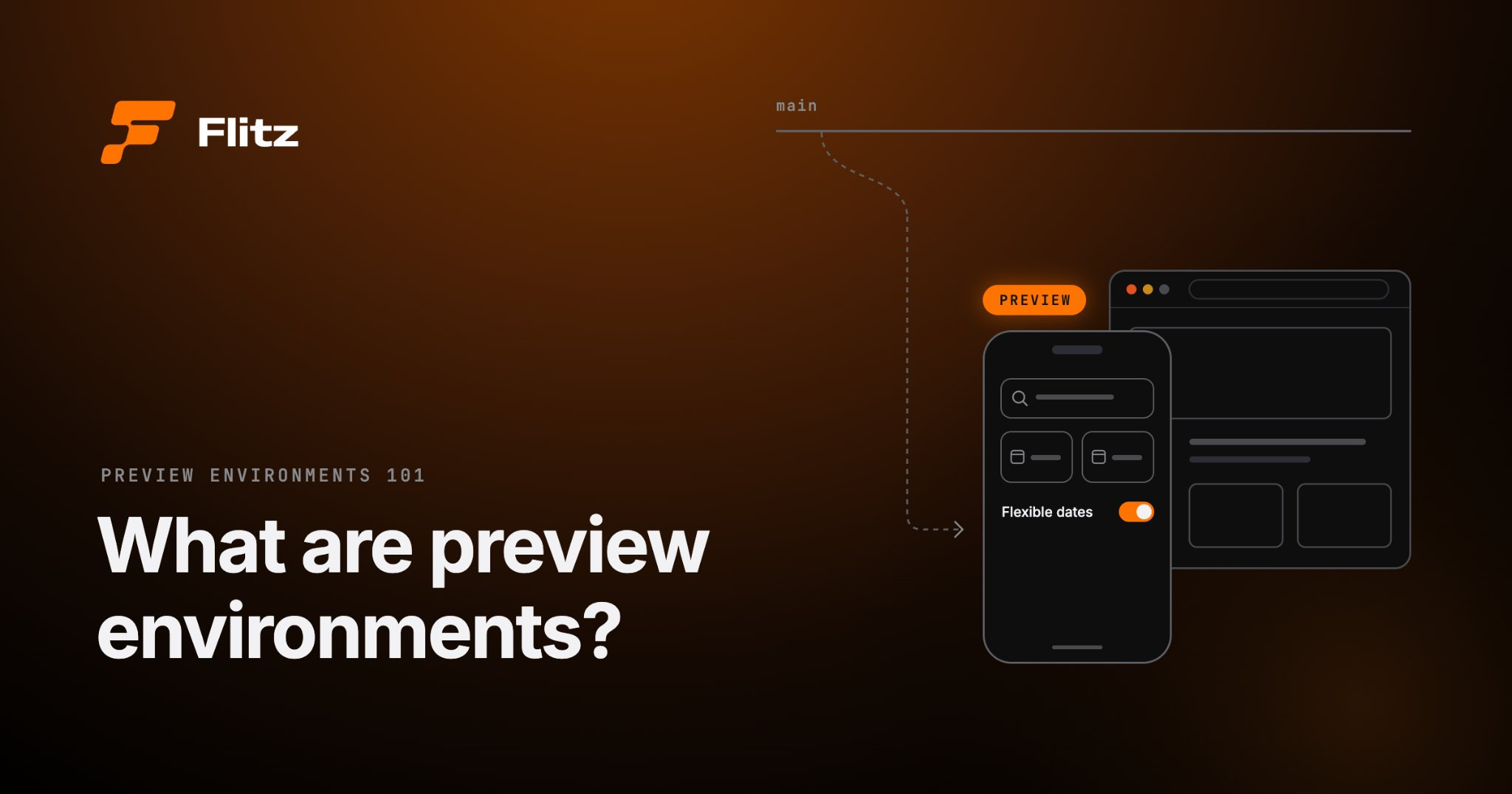
Say you're working on a travel booking app, and you add a "flexible dates" toggle to the search screen. It's a small change, maybe an hour of work, and it looks right on your machine.
Before the product owner can try it, your code gets merged into the shared codebase, runs through CI, turns into a new build and ships out to reviewers. By the time feedback comes back, it's often the next day, and you've moved on to something else.
With preview environments, the product owner opens that exact version from a link and tries it within minutes, while it's still fresh for both of you. The idea is simple: every change gets its own live copy of the app that anyone on your team can open, test and comment on.
In this article, we'll walk through what preview environments are, how they work, why teams use them, what makes them tricky and what changes when you're building a mobile app.
What is a preview environment?
A preview environment is a temporary, working copy of your software that exists for just one change, so your team can try it out before it reaches production (the version your real users see). It's usually tied to a single branch or pull request.
Quick refresher if those terms are new: a branch is a separate line of work in your codebase, and a pull request (PR) is how you ask to merge that work back into the main code. If your team uses GitLab, you’ll know it as a merge request (MR). It’s the same thing under a different name.
The whole point of preview environments is to get working software in front of the right people sooner. You don’t have to describe the change in a ticket, share a few screenshots and hope everyone pictures the same thing, or wait until after the merge to find out something’s off. You share the preview’s link, and your reviewers try the change themselves.
It's useful for everyone on the team:
- Product owners can check that the change actually does what the requirement asked for.
- Designers can see whether all the elements look and behave the way they designed them.
- QA engineers can poke at edge cases before the change gets mixed in with everyone else's work.
- Developers get a second pair of eyes on how the feature behaves (not only on the code) before they hit merge.
You'll also hear them called deploy previews, preview deployments, review apps or ephemeral environments. Different names, but the basic idea stays the same.
How do preview environments work?
The details vary from tool to tool, but most setups follow the same basic loop, and once it's in place, it runs pretty much on its own. Here's what it usually looks like:
- A developer pushes changes to a branch, usually opening a pull request so the team knows there's something to review.
- A platform picks up the change and automatically builds and deploys a preview of that branch. In plain terms, it turns the code into a running app and puts it somewhere people can reach it.
- The preview gets its own URL, or another way to open it. Many platforms post that link straight into the pull request, so nobody has to go hunting for it.
- Whoever needs to review the change opens it and tries it out, whether that's product, QA, design or another engineer.
- If something needs fixing, the developer pushes another update. The preview rebuilds automatically, so reviewers always see the latest version at the same link.
- Once the branch is merged into the main branch, the preview has done its job. Some platforms delete it right away, while others keep it around until it's cleared out by a retention policy or by hand.
- Push code
- Build preview
- Share URL
- Review change
- Update preview
- Merge & clean up
On the web, Vercel and Netlify did a lot to make this the norm. Vercel calls them Preview Deployments and Netlify calls them Deploy Previews, but the experience is similar: connect your Git repository (where your code and its history live), and every pull request gets its own live URL. For many web teams, it's now just part of how code review works.
Why teams use preview environments
Here's what tends to change once your team starts reviewing work this way.
Getting feedback before merge
It's a lot easier to fix something while it's still on your branch. Once it's merged, that same small fix becomes a new ticket, another review and another wait for the pipeline. People also give better feedback when they can actually click around the real thing instead of imagining it from a description.
Testing changes at different stages of work
You don't have to wait until something's finished to share it. Take that "flexible dates" toggle in the travel app: on day one, you could send over a rough version just to ask the product owner, "Is this even the right spot for it?" A few days later, you send the polished one and get the thumbs-up. That way, nobody spends a week perfecting the wrong idea.
Sharing unfinished work more easily
It's much easier to send someone a link than to find time for a screen share or record a walkthrough. Reviewers can open the preview whenever it suits them and click around at their own pace. They might notice something you wouldn't have thought to show them, which often leads to more useful feedback.
Reducing staging bottlenecks
Many teams test changes on a staging environment: a single shared copy of the app that sits between development and production. Because everyone shares it, changes have to wait their turn, and once they're there, they can trip over each other. One developer deploys a change, another needs to test theirs, and suddenly it's unclear which update caused a problem.
With separate preview environments, each change has its own space. People can review different changes at the same time without stepping on each other's work, and it's much easier to figure out where a bug came from.
What makes preview environments difficult?
Once they're running, previews feel effortless, but getting there means working through a few tricky spots, none of them deal-breakers.
Infrastructure and cost
A full copy of your app for every branch means a frontend, a backend, databases and any other services you rely on. That adds up fast, both in cloud bills and in how long each preview takes to start.
Most teams land on one of two approaches:
- Fully isolated environments: the most realistic option, and also the priciest.
- Shared backend, frontend-only previews: cheaper and faster, but backend changes can't really be previewed this way.
With a shared backend, every preview uses the same database, so data isn’t something you need to think about per preview. If you go fully isolated, though, each preview gets its own database, and you’ll have to decide where its data comes from:
- Seeded data: a small, predictable set of test data.
- A copy of an existing database: more realistic, but heavier to move around.
Either way, never copy sensitive production data into a preview. Use anonymized or synthetic data instead.
Databases and test data
Every preview needs data to work with, and where it comes from matters more than you'd think. Giving each preview its own database keeps things cleanly separated, but it's more to manage. You can seed it with a small, predictable set of test data, or copy an existing database, which is more realistic but heavier to move around. Just never copy sensitive production data into a preview; use anonymized or synthetic data instead.
Configuration and integrations
Whichever approach you choose, your application probably connects to services outside your own infrastructure. Those services don't always work well with dozens of temporary URLs that come and go. That causes friction in a few places:
- Authentication: Login providers often require approved redirect URLs, so a new preview address might need additional configuration.
- Payments: Previews need to run in sandbox or test mode to avoid real transactions.
- External APIs: API keys need to be managed securely, rate limits still apply, and webhooks need to send events to the correct environment.
Security and cleanup
Two things to watch here:
- Access: Previews often show features you haven't announced yet, so restricting access through authentication makes sense.
- Cleanup: If old previews keep running, they continue consuming resources and leave more endpoints exposed. Automatic cleanup helps keep costs and security risks under control.
And that's just the web: once you bring mobile apps into the picture, there's a whole extra layer to deal with.
What about preview environments for mobile apps?
Preview environments are common in web development, but mobile teams have a harder time getting the same experience. On the web, a preview is just a URL that opens in any browser. A mobile app has to be built, signed and installed on the reviewer's phone before they can try anything. Say the travel app is a Flutter app on iOS and Android, and you want the product owner to try your "flexible dates" toggle. Without a preview environment, here's what that usually takes:
- Creating the build: You need somewhere to build it, usually a CI pipeline, and for iOS, a macOS machine with Xcode (Apple's development tool). The code then gets compiled into an app for each platform. Many companies build substantial internal tooling just to produce mobile builds from pull requests, especially for iOS.
- Signing it: The build needs the right certificates and provisioning profiles. Ad-hoc iOS distribution also requires registered test devices.
- Uploading it: The build goes to TestFlight, Firebase App Distribution, or another distribution service.
- Giving the reviewer access: You may need to manage invitations, tester groups, or accounts.
- Getting the app installed: This is where reviewers usually feel the pain most. They have to find the right invite or download link, install or update the app, and then work out whether they’re actually looking at the build with your change in it. A phone usually holds only one version of an app, so each test build replaces the last one, and checking two branches means reinstalling back and forth. Across several changes and reviewers, it’s easy for someone to end up testing the wrong build.
- Collecting feedback: The reviewer tests the change and sends their comments back.
- Repeating the process: The next change means another build and another round of distribution.
Each step can add minutes or hours, depending on the setup. Multiply that across several branches, and reviewing every change becomes difficult to justify. Teams often end up waiting until changes are merged before getting meaningful feedback.
Doesn't Flutter's hot reload solve this?
Flutter's hot reload makes development much faster, but it solves a different problem.
It lets developers see code changes almost immediately on their own running app without rebuilding everything from scratch. That's great when you're working on a screen and making small adjustments.
But hot reload doesn't put your branch on someone else's phone. Your designer still can't try the checkout change independently, and your product owner still needs a build to review it.
Preview environments for Flutter apps with Flitz
This is the gap Flitz is designed to address: giving Flutter teams a way to review changes on mobile before they're merged.
Instead of a pull request, a CI run and a TestFlight upload, a developer publishes a preview from their own machine with a single Flitz CLI command, at any stage of progress, and gets back a link and a QR code. Reviewers install a Flitz-enabled build of your app once. After that, each new preview opens from a link on their own iOS or Android phone, so a change reaches the right reviewer in minutes rather than a day.
Flitz only changes when feedback happens: right after the change is done, instead of at the very end of the line. Your PR reviews, CI/CD pipeline and release builds all stay exactly as they are.
The process today1 day
- Change completed
- PR review & approval
- CI / CD pipeline
- Build distribution
- Stakeholder review
With Flitz~3 minutes
Feedback arrives right after step 1, before steps 2 to 5.
- Change completed
- PR review & approval
- CI / CD pipeline
- Build distribution
- Stakeholder review
When are preview environments most useful?
Not every team needs them on day one. But if a few of these situations sound familiar, you'll probably feel the difference quickly.
- Reviewers can't easily run branches locally: A developer might be comfortable checking out a branch and running the application, but your product owner probably isn't. Even other developers can struggle when a project needs complicated local setup or specific dependencies.
- Screenshots and screen recordings have become the default: Developers regularly send images or short videos to show what they've built. Reviewers can see how something looks, but they can't click around or explore what happens beyond the recorded flow.
- QA needs to test several features at once: Your testers might have three pull requests ready for review, each touching a different part of the application. Testing them all in one shared environment makes it harder to keep track of which changes are being checked.
- Feedback tends to arrive after merge: Product owners and designers often first see a working feature once it's already part of the main branch. By then, making adjustments can involve revisiting completed work or coordinating another change.
- You keep debating options in the abstract: Your team might be deciding between two checkout layouts. Looking at screenshots side by side doesn't always reveal which version feels more natural to use.
- The feature only makes sense on a real phone: A desktop browser or a simulator on your laptop can't show how something actually feels in someone's hand, which is exactly why mobile teams need previews too.
- Interaction and device behavior matter: Gestures, animations, camera access, notifications, and different screen sizes are difficult to judge from a static image. Some issues only become obvious when someone uses the app on actual hardware.
Conclusion
Preview environments solve a simple problem: getting working software in front of the right reviewer before a change is merged. Instead of describing a new checkout screen or sending a screenshot, a developer shares a link. The product owner, designer or tester then tries the real thing while it's still cheap to change.
This workflow is already familiar in web development, where sharing a preview can be as simple as sending a link. Mobile development has traditionally involved more steps, from building and distributing an app to getting it onto a reviewer's phone. But mobile teams no longer have to settle for screenshots, screen recordings, or feedback that arrives after merge.
For Flutter teams looking to bring preview environments into their development workflow, learn more about Flitz.